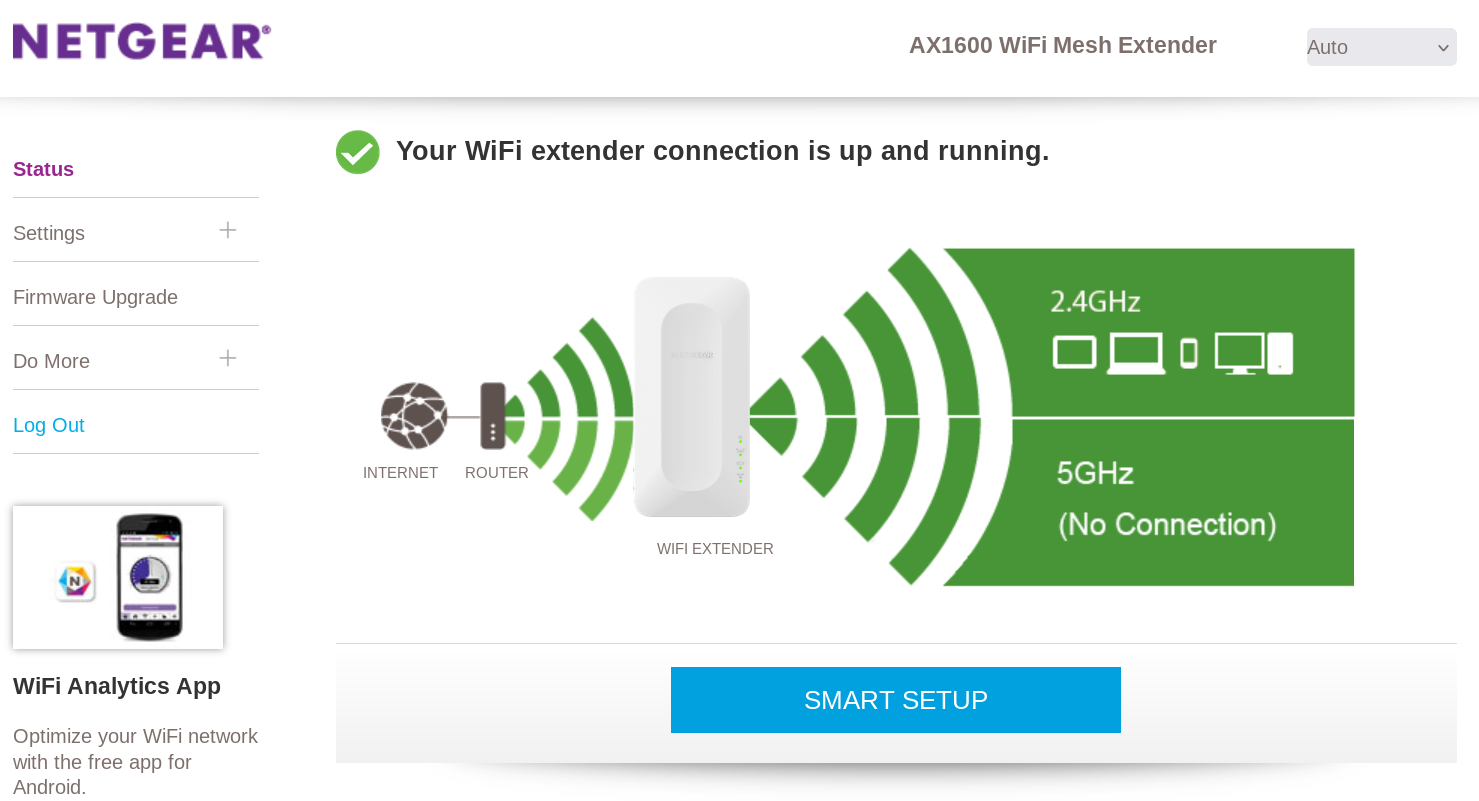
Netgear EAX12 range extender
Suddenly my TP Link RE200 range extender stopped working. And the topology of my house is such that the router is not strong enough to reach all devices in all rooms (lots of concrete and steel in between). So I started shopping for an alternative. At megekko.nl I found a Netgear EAX12 mesh extender. It was affordable and supported 2.4 and 5 GHz channels. I don't need the mesh thingies. I just need one device for a few machines. I ordered it on Tuesday, it arrived on Wednesday. Good enough for me.
Setting up
The incuded setup guide forced me to download an android app (NightHawk) but I have no access to the playstore. So I needed to get things done otherwise. There is also

Use the built-in web interface
If all is good, you plug the device in a power outlet, wait half an eternity until the green lights are on and then use a wifi enabled computer to log on to the internal wifi network of the EAX12: 'NETGEAR_EXT'. Next surf to the site www.mywifiext.net and complete the setup.
It didn't work. No matter what, the netgear signal would not appear in the list of wifi channels. Don't waste any time with this procedure.
Use the WPS button
This method is easy, unless your router is mounted 30 cm (1 foot) below the ceiling in a corner of your garage, like it is with me. It goes like this:
Reset the device: 1st attempt
The reset procedure is easy:
Reset the device: 2nd attempt
This time I held the button depressed for 8 seconds. The device rebooted. I unplugged it and went for a new WPS method:
Tuning
Start up a computer, start a webbrowser and surf to (in my case) 168.192.56.125. And you're in the web interface of the EAX12. Just do your tweaks. Define a password for the device and do the usual things.
Do yourself a favor. First do a hardware reset operation. Then go for a WPS setup and look up the assigned IP address in your router. Next do the (fine) tuning in a webbrowser.
Compared to the RE200
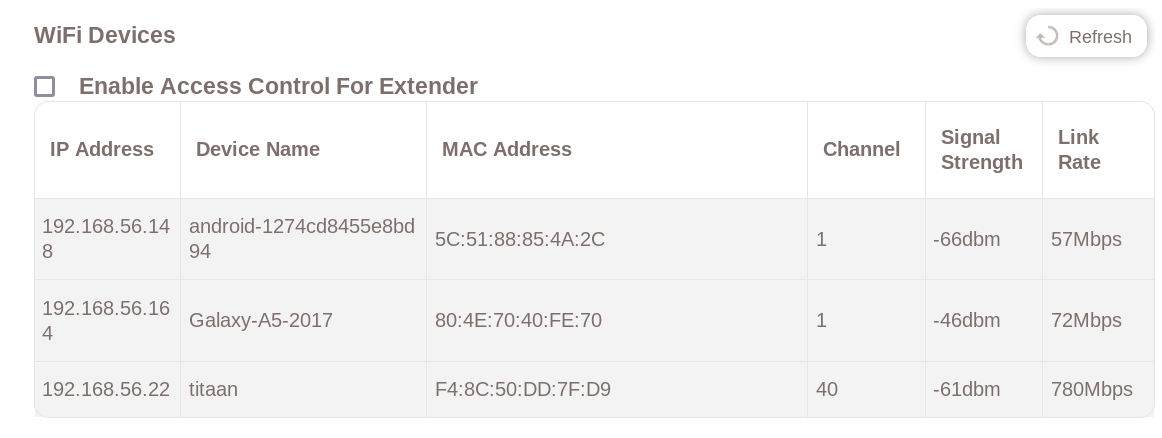
The EAX12 seems to be more stable and also faster. The Netgear has a very good web interface. It is fully WIFI 6
capable. It also shows the devices that are connected.
My Asus X415EA
used to disconnect every 2 - 10 minutes when connected to the RE200. Now, with the NetGear, it connects at startup
and never disconnects. The odd behaviour of the RE200 could be caused by its power supply being a bit flaky.
Koper
is my only non-Dell system, so it could be that Asus reacts to losses of signal different from Dell.